Deadpool
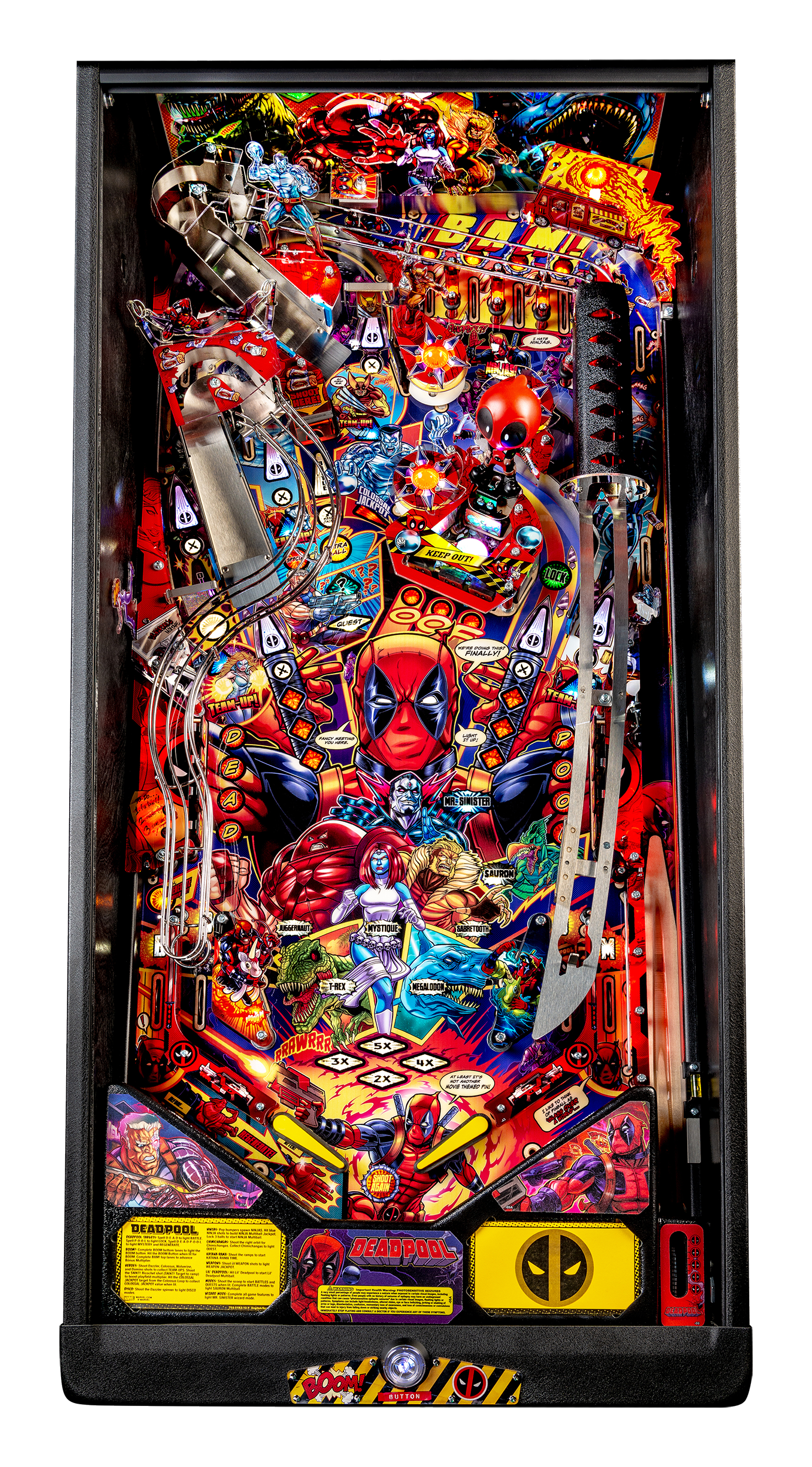
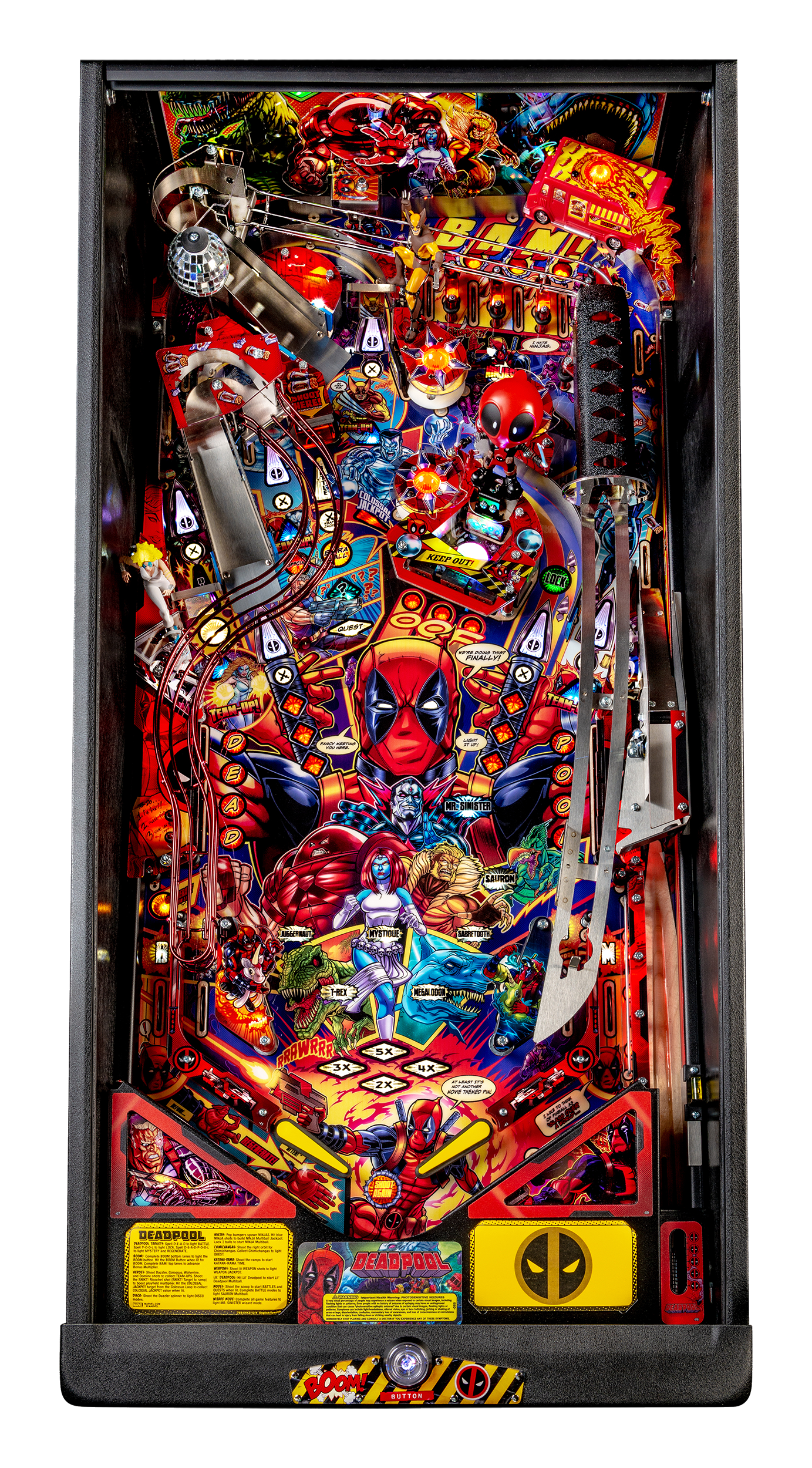
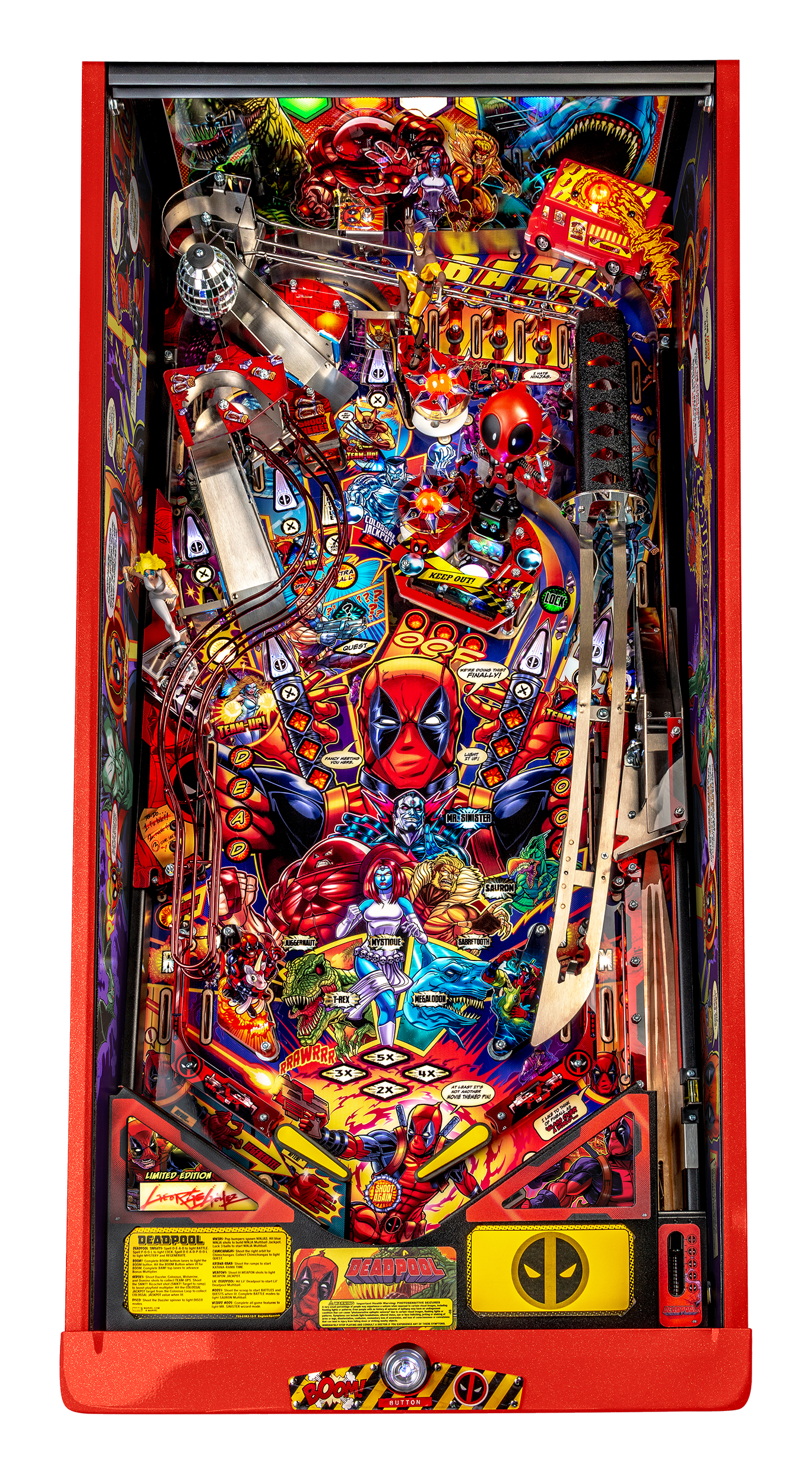
Deadpool is George Gomez's 2018 pinball machine based on the Marvel character, styled after classic video fighting games and packed with battles, quests and multiball modes. Its distinctive appeal is the mix of playful humor, X-Men team-ups and time-travel quests, all driven by a crowded playfield with many lit shots and a scoop that starts most major modes.
Starting Battles
- Battles are started by shooting the scoop, which requires the DEAD targets to be completed first if DEAD is not already lit.
- During a battle, hitting the flashing shots deals damage to the enemy, and the scoop finishes the opponent off once it is defeated.
- Team-Up shots can bring allies into a battle, which makes the battle easier to complete.
Quests
- Quests are started by shooting the right orbit to advance the chimichanga truck, then collecting chimichangas at the orange shots before shooting the scoop.
- Each quest has its own completion requirements shown on the display, and finishing one is rewarded with a Mode Jackpot bonus collected at the scoop.
Multiball and Boom Button
- Ninja Multiball starts by locking balls at the right katana ramp, and its jackpots are powered by the Ninja Stars collected during play.
- Spelling BOOM qualifies the Boom Button, which can be pressed to spot a high-value shot on the playfield.
Playfield
Design team
- Art: Jeremy Packer (Zombie Yeti)
- Animation: Zac Stark
- Mechanics: Robert Blakeman
- Callouts: Tim Kitzrow
- Software: Waison Cheng
- Design: George Gomez
- Software: Tim Sexton
- Animation: Joshua Clay
- Software: Tanio Klyce
- Animation: Chuck Ernst
- Software: Mike Kyzivat
- Music: Jerry Thompson
- Sound: Jerry Thompson
- Music: Vince Pontarelli
- Animation: Danai Kittivathana
- Music: Shawn Myers
- Art: Greg Freres
- Sound: Bob Baffy
- Music: Shane Black
- Animation: Olivia Jensen
- Software: JT Anderson
- Software: Brett Z Rubin
- Art: Steven Martin
- Animation: Tom Kyzivat
- Animation: Estelle Ernst
- Animation: Alex Borre
- Animation: Mimi Ernst
- Animation: Mark Galvez
Sources
This overview was written by Pinguide's AI from the sources below. For rule details that matter, check the original rulesheet.
- pinballrulesheets.com (opens in a new tab) ↗
- sternpinball.com (opens in a new tab) ↗
- kineticist.com (opens in a new tab) ↗
Updated 2026-11-22.