Dungeons & Dragons: The Tyrant's Eye
Dungeons & Dragons: The Tyrant's Eye is a Stern pinball machine designed by Brian Eddy, in which players pick a class and travel across a map of Mid-West Faerûn to stop the five-headed dragon Tiamat. Its distinctive appeal lies in the campaign structure, where each city hosts battle-style quests and multi-phase town dungeons that play out across the playfield.
Ask Pinguide about Dungeons & Dragons: The Tyrant's Eye
Getting Started
- Choose your character with the right flipper button, since each character is tied to a fixed class.
- Pick a starting city with the left flipper button before plunging, as the party begins its campaign from that location.
- Logged-in Insider Connected players can resume a saved campaign, which is saved automatically for each character.
Skill Shots
- A short plunge that hits the upper loop is one of the basic skill shot routes.
- The super skill shot requires hitting the left eject, then the side ramp, then the right ramp.
- The MXV skill shot is earned by hitting a hidden temple shot behind the upper flipper.
Battles and Campaign Map
- Battles are the main way characters level up, and you start one by shooting a yellow action shot and selecting a mode.
- During battles, lit red shots damage enemies while the party's red arrows flash faster as a monster nears an attack.
- Traveling between cities happens through blue arrow shots, and you can hold the action button for long-range ranged attacks.
Dungeon Crawl and Shield
- Dungeon crawl is started by lighting the dungeon standups and then starting the mode from the table model's capture or spinner.
- The shield is a metal bar between the flippers that saves balls headed straight down the middle when activated with the action button.
Playfield
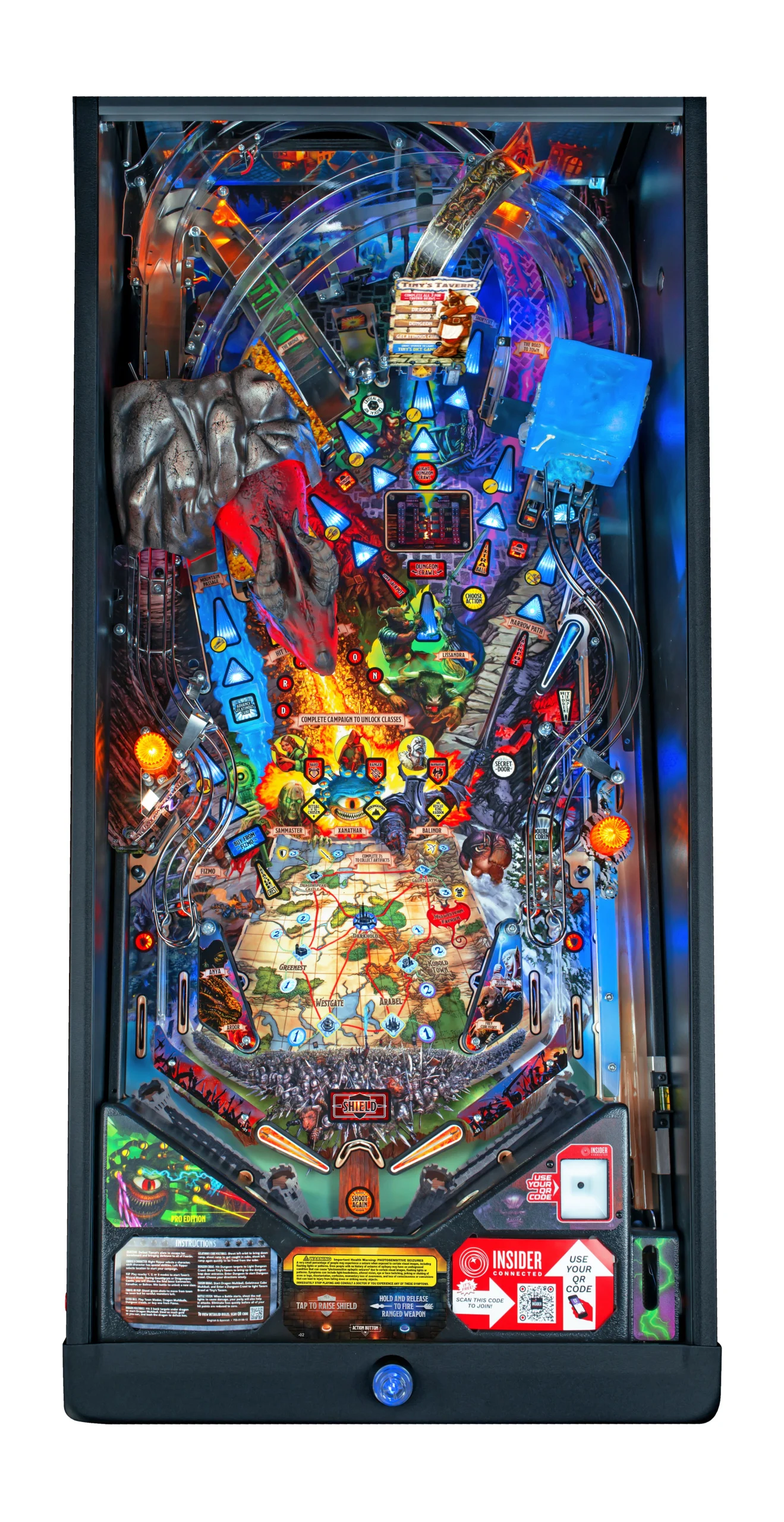
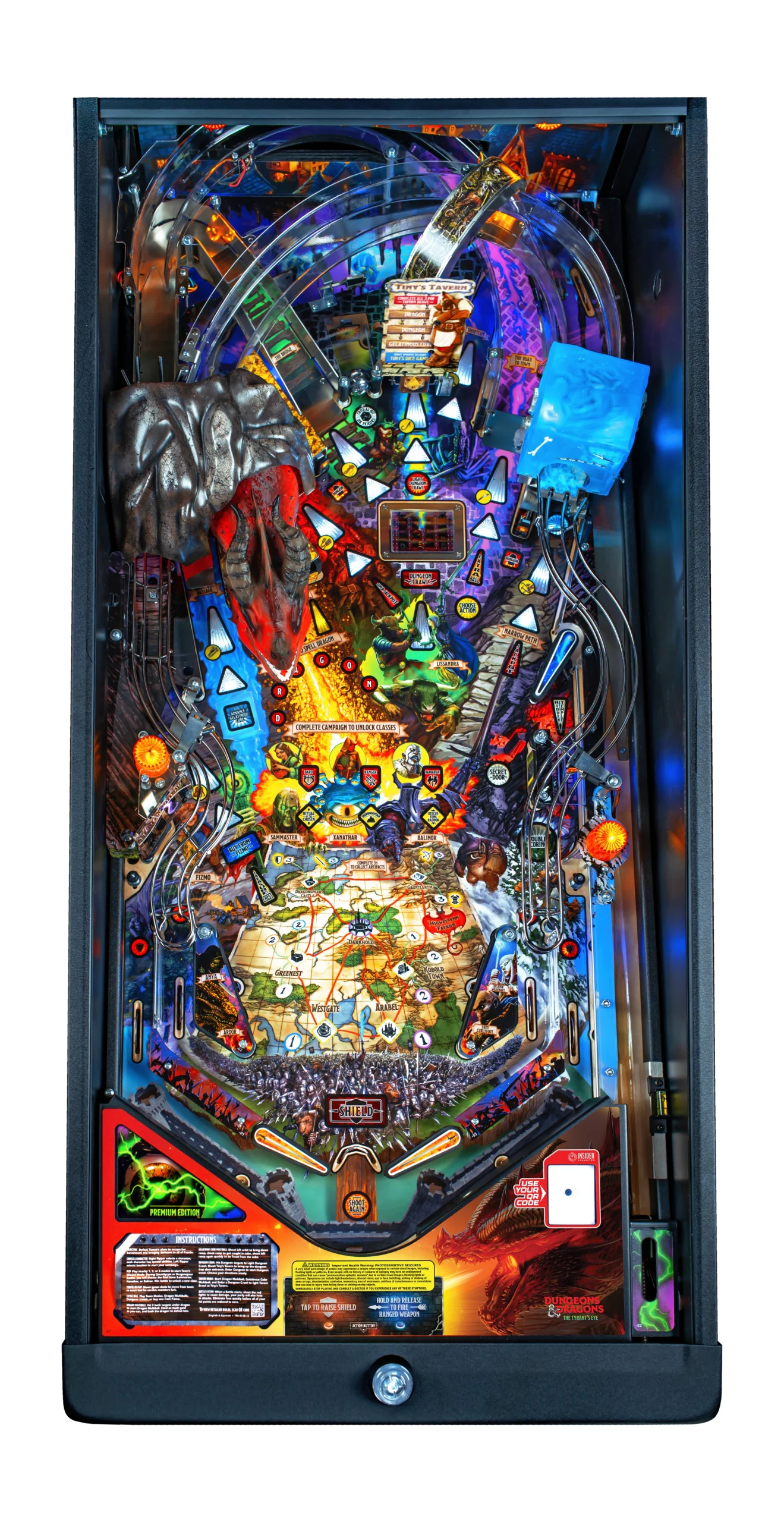
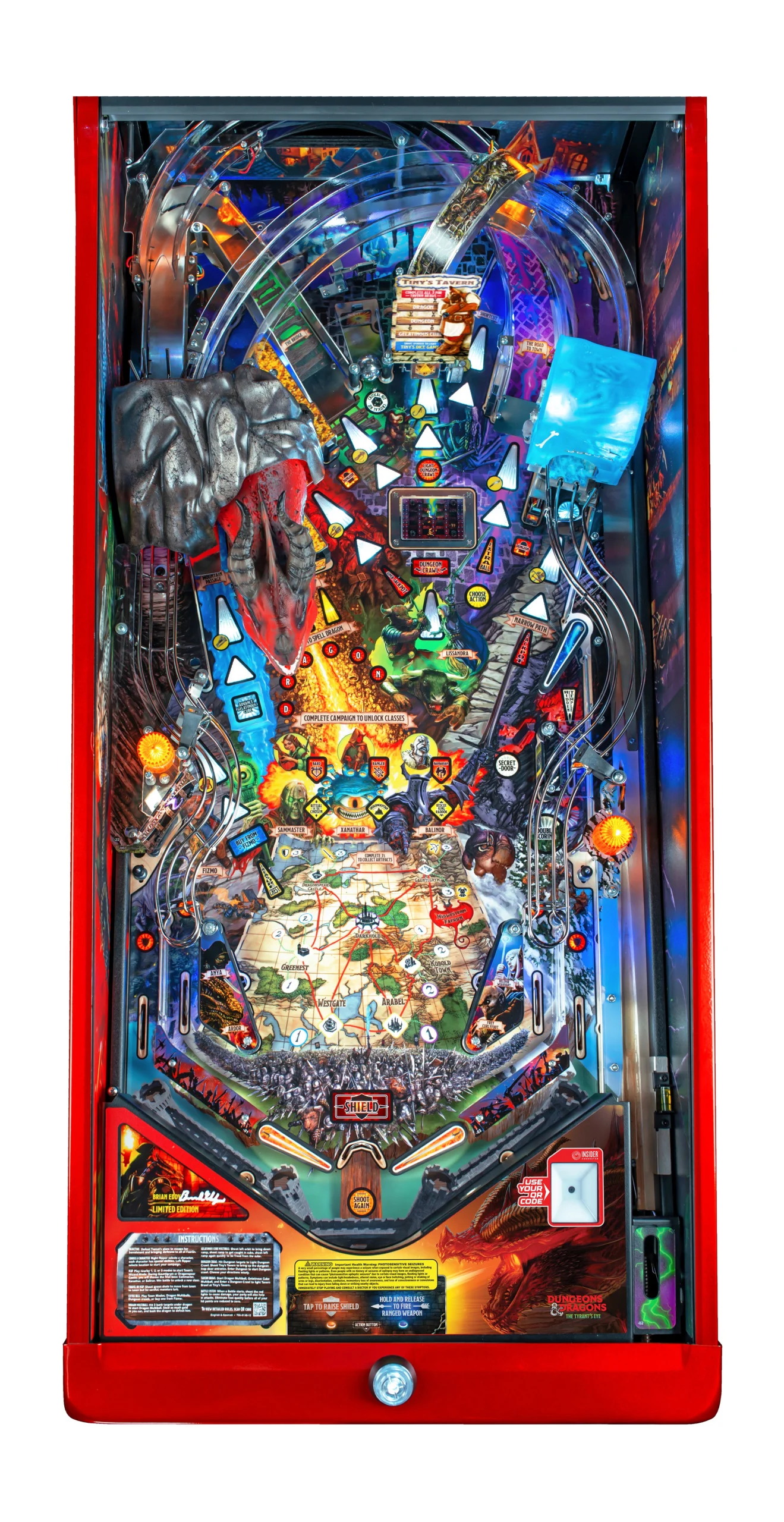
Design team
- Art: Vincent Proce
- Software: Dwight Sullivan
- Animation: Paul Chamnankit
- Design: Brian Eddy
- Mechanics: John Rotharmel
- Software: Elizabeth Gieske
- Mechanics: Thomas Malcom
- Software: Corey Stup
- Mechanics: Cheryl Lininger
- Mechanics: Jim Shird
- Software: David Sullivan
- Producer: John Blakely
- Sound: Jerry Thompson
- Music: Cris Velasco
Sources
This overview was written by Pinguide's AI from the sources below. For rule details that matter, check the original rulesheet.
- pinballrulesheets.com (opens in a new tab) ↗
- sternpinball.com (opens in a new tab) ↗
- kineticist.com (opens in a new tab) ↗
Updated 2026-11-22.