Fallout Pinball
Fallout Pinball is a Bally/Stern-style wasteland-themed machine built around quests, multiball modes and a shop-and-scavenging loop, with a Pro model and a more elaborate Premium/LE model. Its distinctive appeal is the mix of timed quest modes driven by hit points, a weapon-upgrade progression through collected junk, and the Fat Man nuke launcher on the upper playfield.
Ask Pinguide about Fallout Pinball
Starting Out
- Pick one of the three starting characters at the beginning, since each one nudges the game toward a different playstyle.
- Earn caps early by completing both Nuka Cola inlanes so you can enable Cap Stash and later spend them at Sundries.
- Build hit points by shooting the left orbit or right ramp, because quests need at least 50 HP before they can be started from the scoop.
- Use the junk target and right inlane sequence to collect junk, which is the material needed to upgrade your weapon.
Quests
- Quests are the main modes, and their timers are tied to your current hit points rather than a fixed clock.
- Radroach stand-up targets can inflict radiation that lowers your maximum HP until you collect radaway.
- Completing single-ball quests before time runs out awards a legendary weapon.
Multiball Modes
- Deathclaw multiball is started by hitting the bash toy when the FIRE insert is flashing, and its three versions are played in a fixed order.
- Wasteland Multiball is started by clearing the shooting gallery shots and then feeding the lit targets with the Fat Man launcher or flippers, depending on your model.
- Vault Multiball is awarded from odd-numbered lunchbox awards and builds a jackpot that moves across the playfield.
Radio Modes
- Build the radio signal by shooting the radio tower target, and each mode start requires one more hit than the last.
- Each song's color and length determines which radio mode you play and how long its timer lasts.
- The timer for radio modes cannot be paused by trapping the ball.
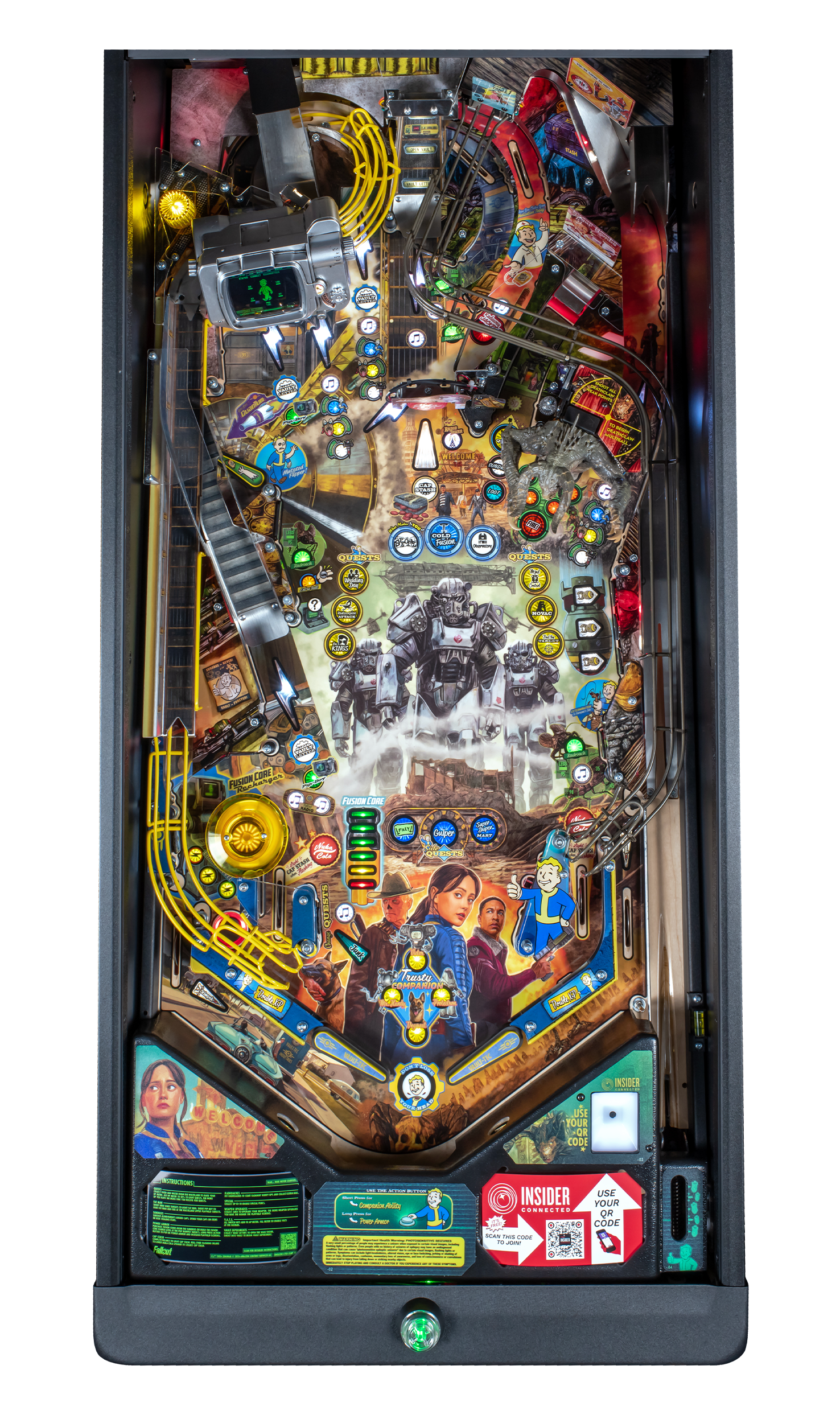
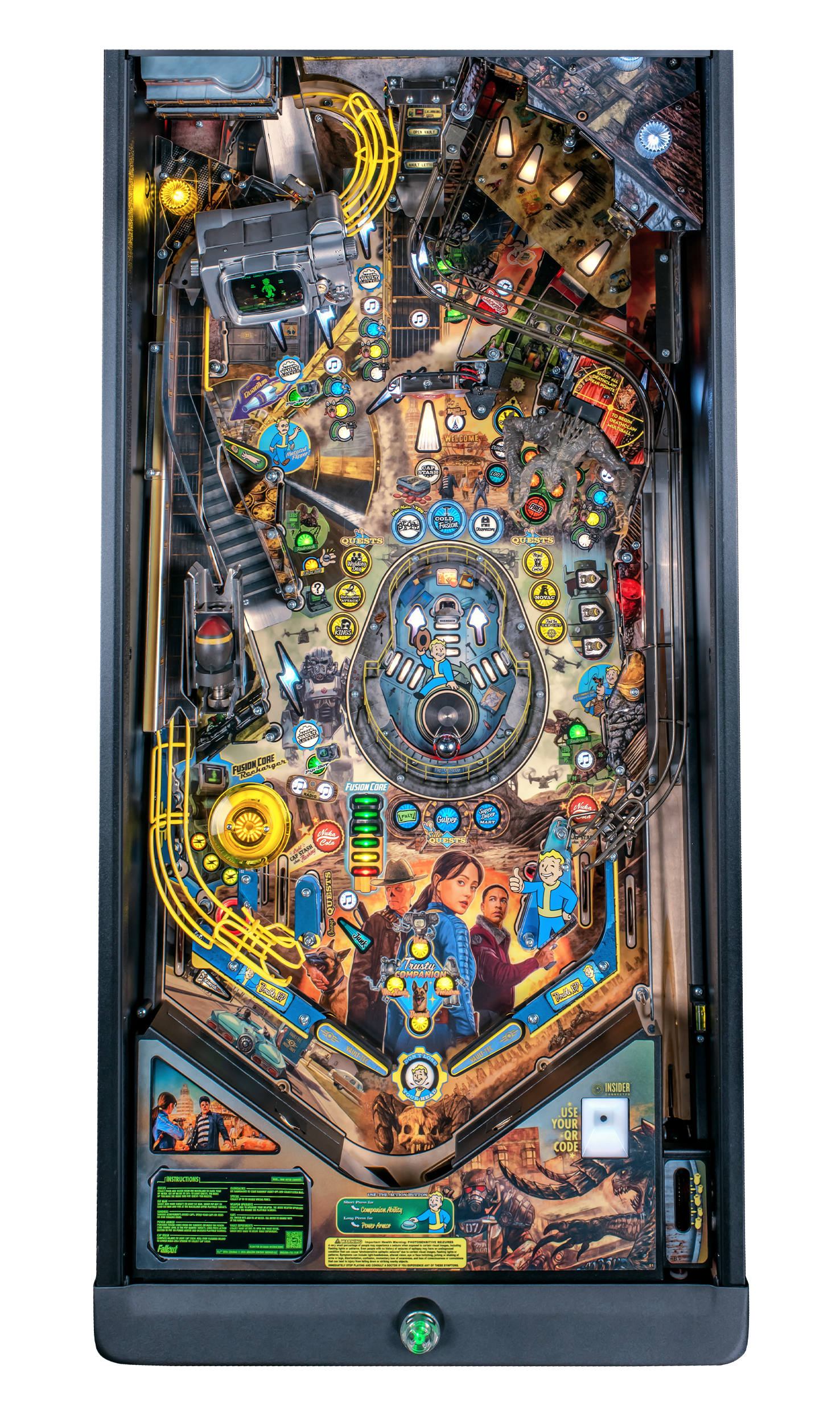
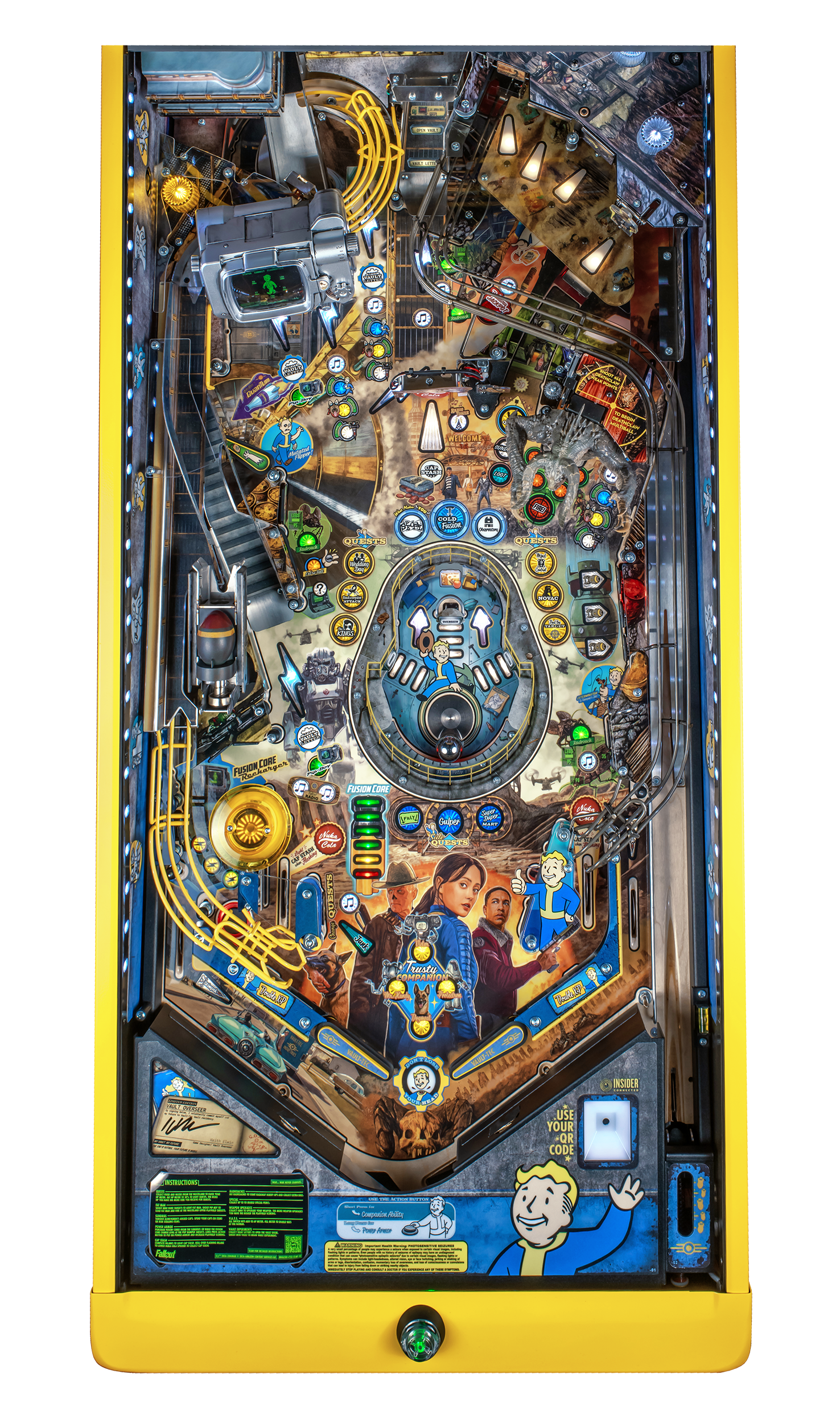
Playfield
Design team
- Callouts: Johnny Pemberton
- Animation: David Liskovec
- Animation: Olivia Jensen
- Callouts: Jerry Thompson
- Sound: Jerry Thompson
- Animation: Phillip Gullett
- Animation: Zac Stark
- Software: Brett Z Rubin
- Art: Sam Gilbey
- Software: Andrew Wilkening
- Software: Rick Naegele
- Art: Jeremy Packer (Zombie Yeti)
- Design: Keith Elwin
- Software: Raymond Davidson
- Mechanics: Harrison Drake
Sources
This overview was written by Pinguide's AI from the sources below. For rule details that matter, check the original rulesheet.
- pinballrulesheets.com (opens in a new tab) ↗
- sternpinball.com (opens in a new tab) ↗
- kineticist.com (opens in a new tab) ↗
Updated 2026-11-22.