Guardians of the Galaxy Pinball
Guardians of the Galaxy Pinball is a Stern-style table built around the film's cast, where players work through a set of character-themed modes and try to stop Ronan from using the Infinity Stone. Its distinctive hooks are the Groot head that locks balls to start multiball, the Orb that opens to reveal the Infinity Stone, and modes that can be upgraded and then pushed into untimed super levels. Shots tied to each mode's character stay lit for later jackpots, so mode progress carries forward into the multiballs.
Ask Pinguide about Guardians of the Galaxy Pinball
Starting modes
- At the start of a ball you can pick an unfinished mode with the flipper buttons, and during a ball you can shoot the right scoop to start one if no mode is running.
- Each mode has a timer and progress bar shown at the top left of the score display, and progress is saved if a mode times out or you drain.
- Shooting the right scoop once during a mode upgrades it to make its required shots more valuable or easier to complete.
Starting Groot Multiball
- Shoot Groot's mouth to light the lock, then shoot into the mouth to lock a ball.
- The first Groot Multiball is a 3-ball game, and later ones use 4 balls and need more hits to start.
- During Groot Multiball, modes you have completed can make certain jackpot shots worth five times as much, as shown by the character inserts at each shot.
Starting Orb Multiball
- Shoot the drop target and then the standup target behind it to collect an Orb, and collect three Orbs to begin the multiball.
- The first drop target shot has to be made naturally, since the Hadron Enforcer cannot be used for it.
- Once the ball is freed, shots are lit for jackpots worth the value of the hurry-up you collected.
Wizard modes
- Cherry Bomb Multiball is a short, fast multiball that starts after you complete four modes and shoot the red-pulsing right scoop.
- Immolation Initiative needs at least half progress on every mode and both multiballs before the right scoop starts it.
- Save Xandar is the final wizard mode and requires completing all modes and both multiballs before it can be started from the right scoop.
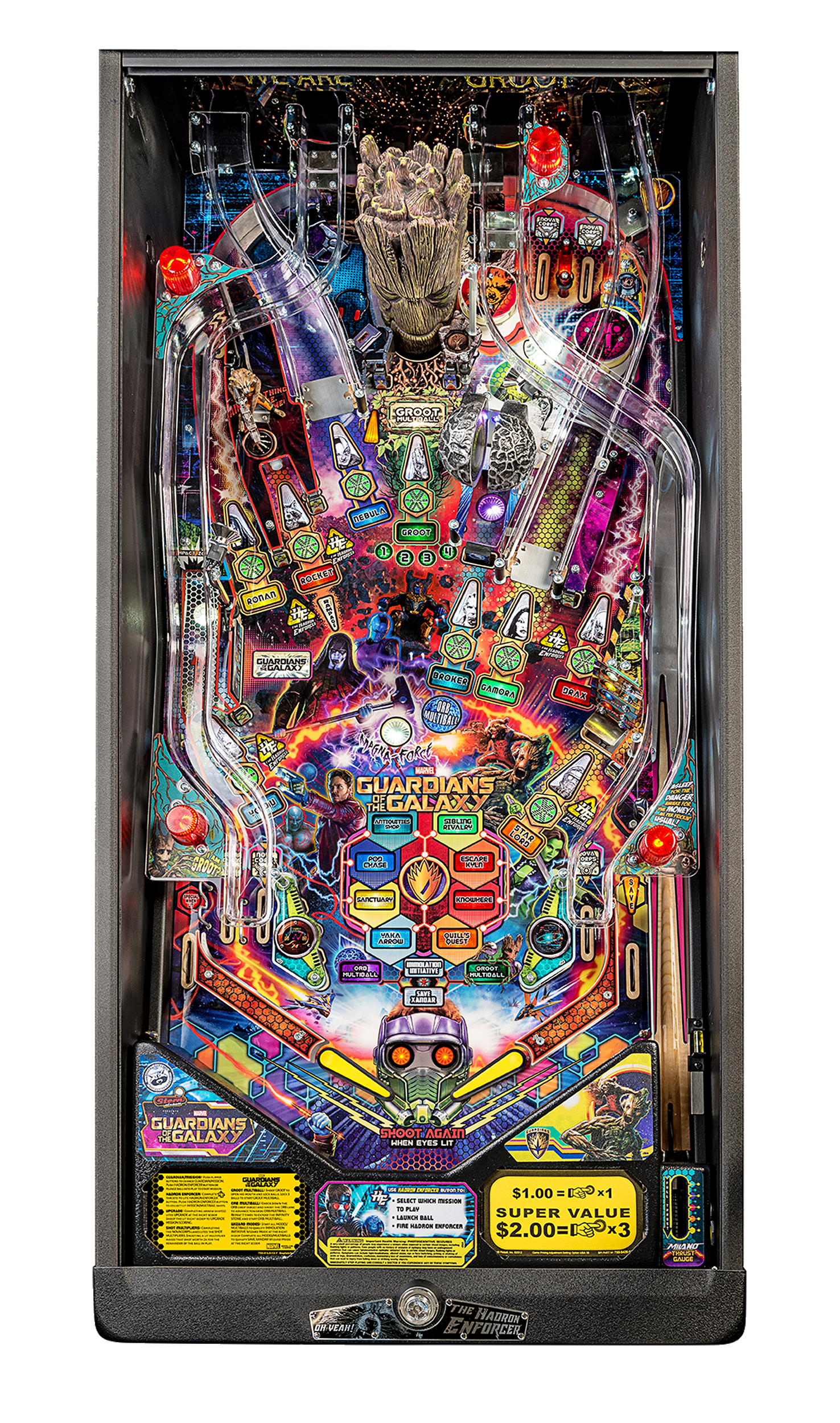
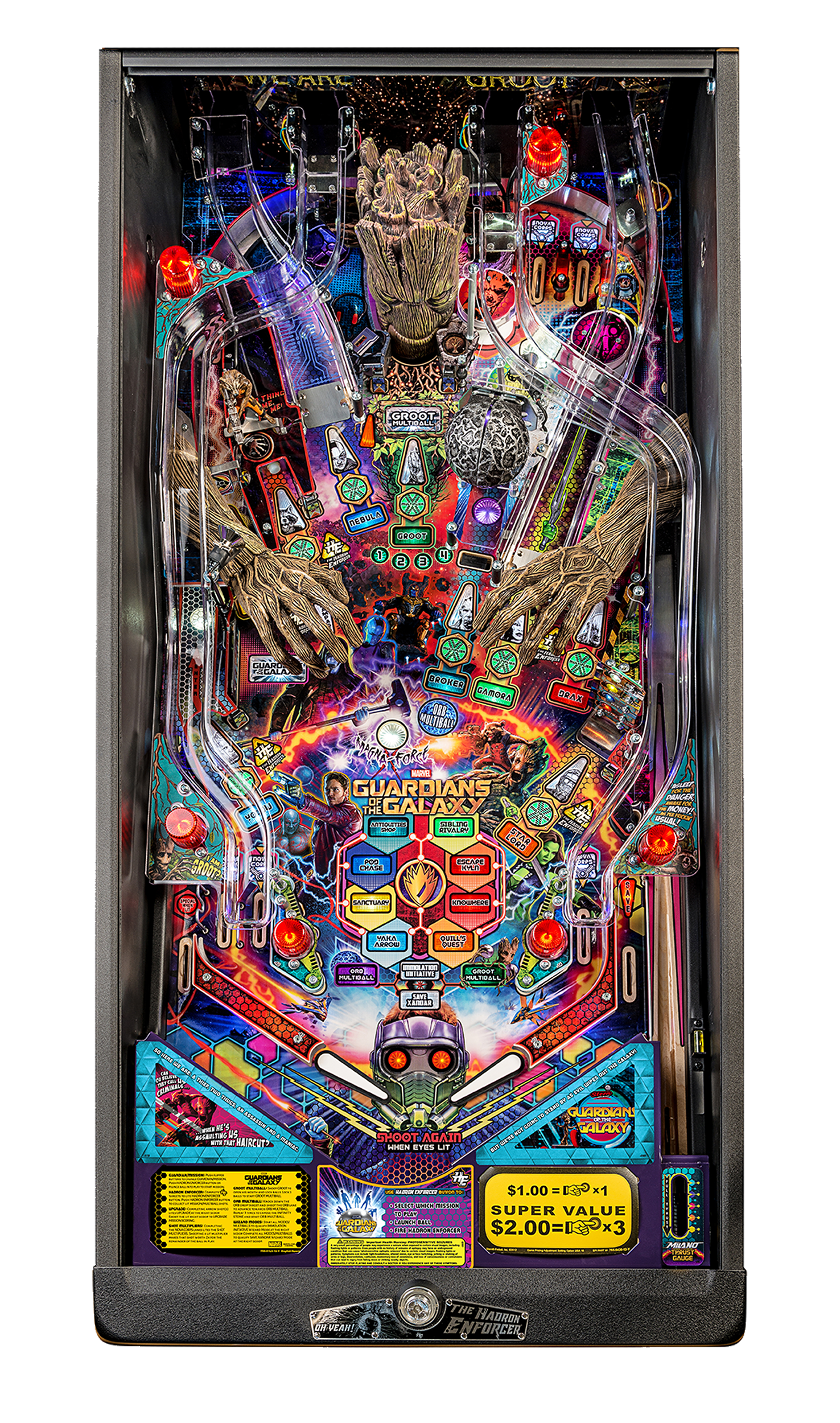
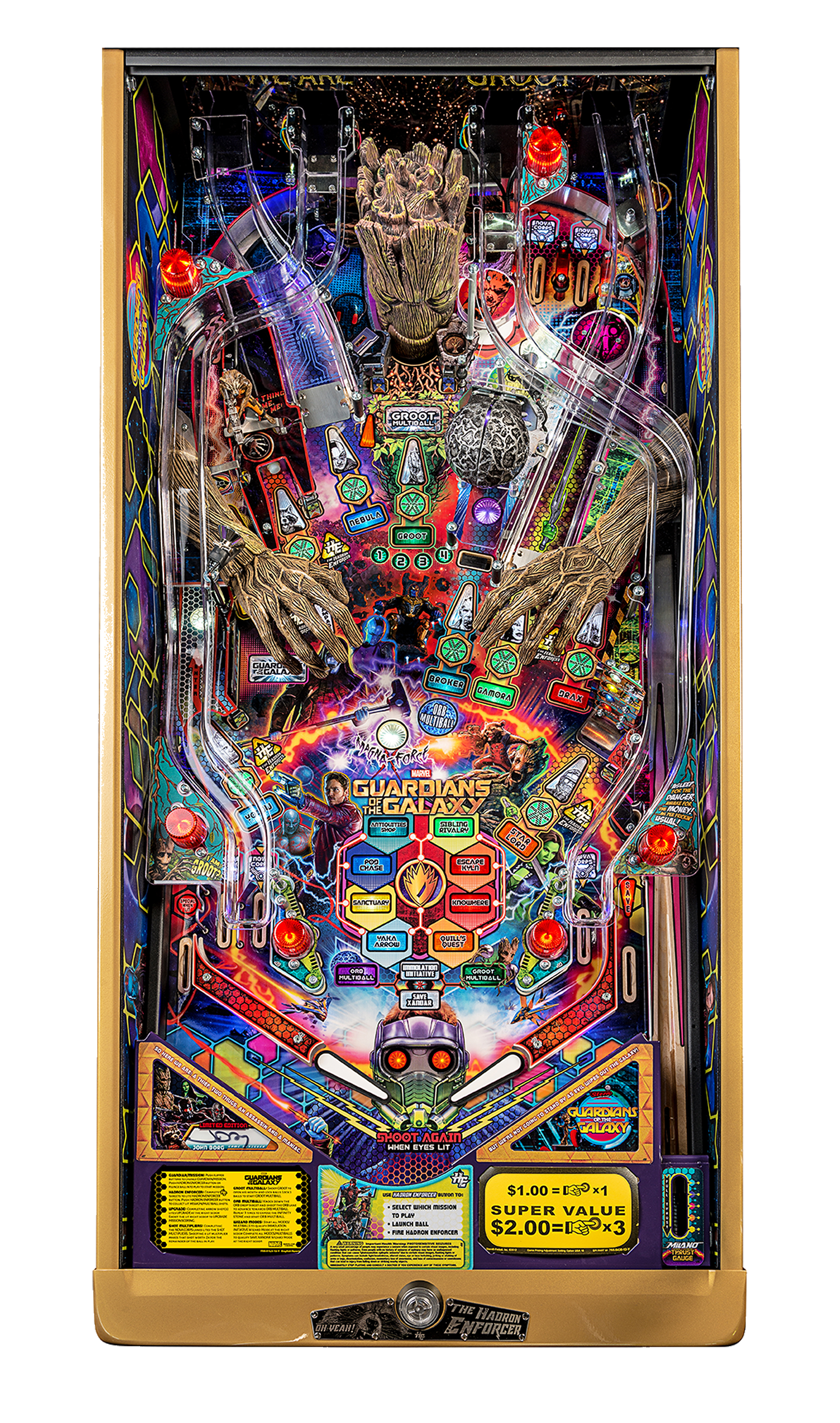
Playfield
Design team
- Software: Waison Cheng
- Art: Christopher Franchi
- Design: John Borg
- Animation: Zac Stark
- Software: Mike Kyzivat
- Software: Lonnie D. Ropp
- Music: Ken Hale
- Sound: Ken Hale
- Mechanics: Robert Blakeman
Sources
This overview was written by Pinguide's AI from the sources below. For rule details that matter, check the original rulesheet.
- pinballrulesheets.com (opens in a new tab) ↗
- sternpinball.com (opens in a new tab) ↗
- kineticist.com (opens in a new tab) ↗
Updated 2026-11-22.