King Kong: Myth of Terror Island
King Kong: Myth of Terror Island is a 2025 pinball machine based on the 1930s King Kong story, built around island scenes, a climbing building, NYC events and a wizard mode called 8th Wonder. Its standout feature is the treasure system, where collected treasures unlock perks and boost the wizard jackpot. Players work through multiple objectives and multiballs to qualify the final mode.
Ask Pinguide about King Kong: Myth of Terror Island
Getting started
- Use the skill shots at the start of a ball, since unique ones add ball save time and spell KING KONG letters.
- Shoot the gong to start an island scene, which has a 60-second timer and awards a map segment when completed.
- Climb the building by hitting the yellow arrows to reach point thresholds and light island locks and NYC events.
- Shoot the side ramp three times to start biplane attack, then rip the spinners to raise the value of each biplane destroyed.
Treasures and treasure hunts
- Treasures come from completing map segment treasure hunts and from the Lost Temple glyph puzzle that ends with the Island Treasure target.
- Each treasure found in a game gives a perk, and the treasure hunt jackpot grows with every treasure collected.
- Completed treasure hunts give rewards that change with each map, such as bonus points or extra log bridge uses.
Multiballs
- King Kong Multiball starts after lighting its locks at the center ramp by completing the drop targets when the lock is flashing.
- Spider Pit multiballs start by shooting the pit several times, and the lit multiball rotates every 10 seconds.
- The fourth pit multiball, Spider Queen, is the final pit multiball and is needed to qualify the wizard mode.
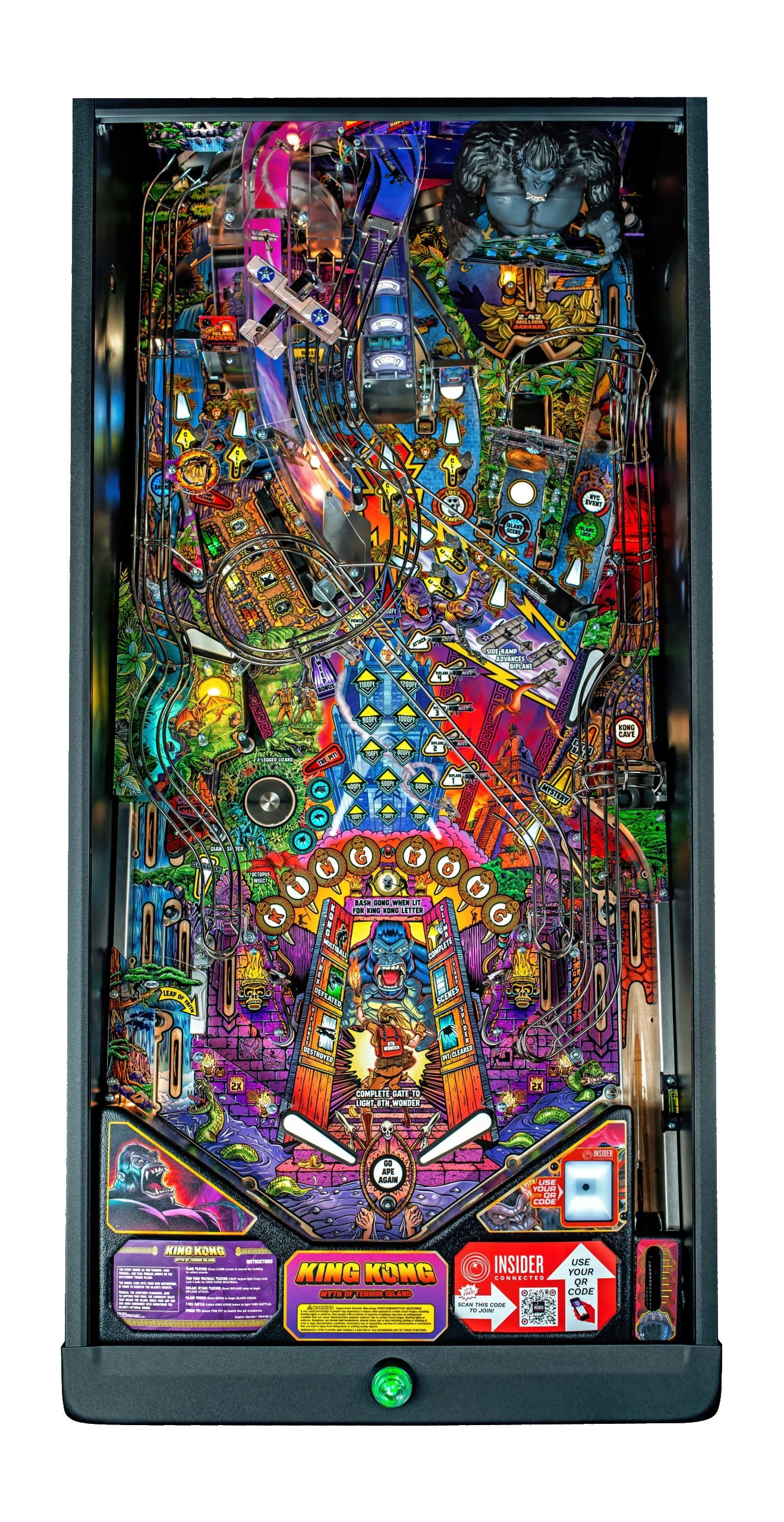
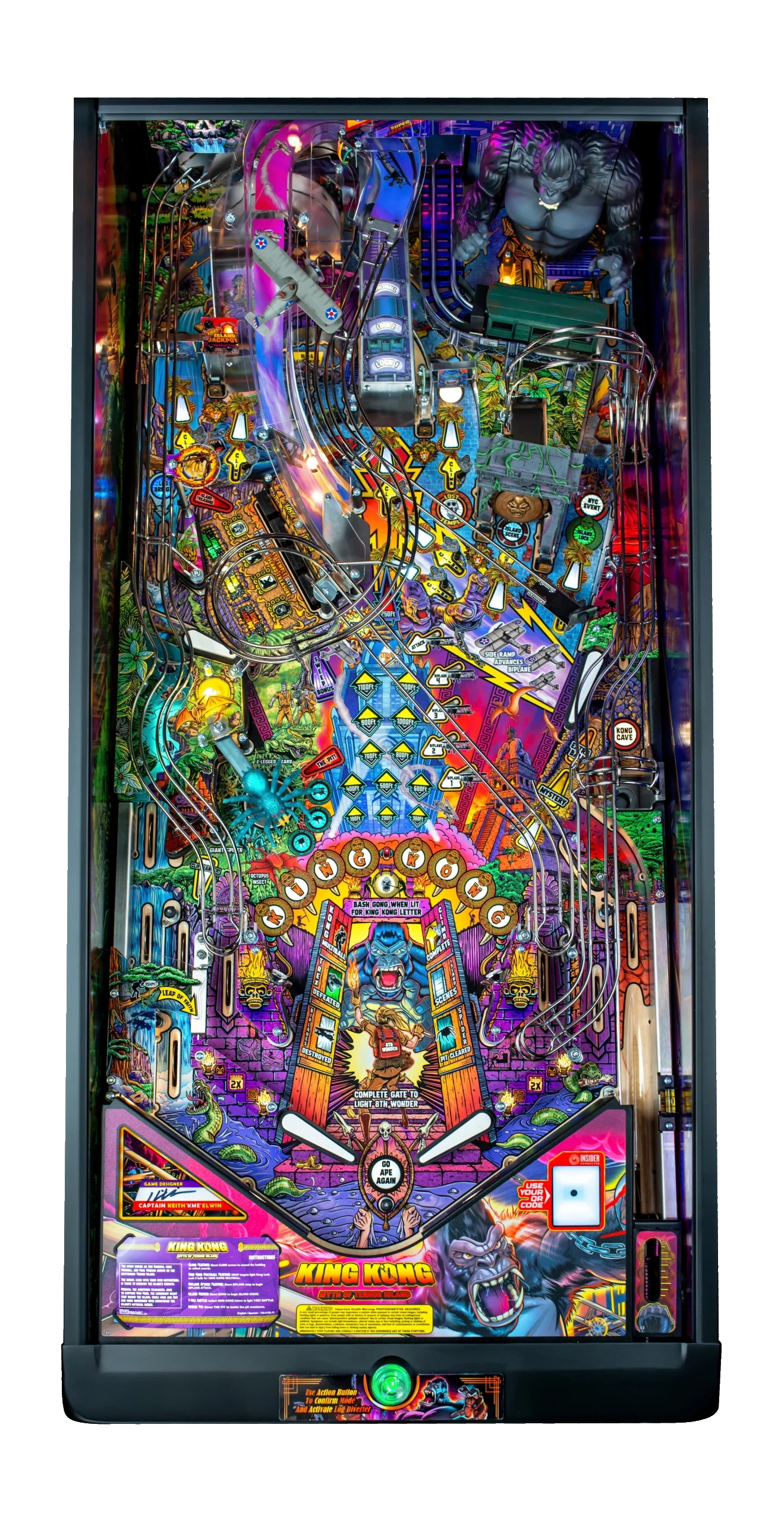
Playfield
Design team
- Mechanics: Harrison Drake
- Callouts: Brian "Q" Quinn
- Animation: Chuck Ernst
- Art: Jeremy Packer (Zombie Yeti)
- Design: Keith Elwin
- Software: Joshua Henderson
- Software: Rick Naegele
- Art: Greg Freres
- Art: Kevin O'Connor
- Music: Jerry Thompson
- Sound: Jerry Thompson
Sources
This overview was written by Pinguide's AI from the sources below. For rule details that matter, check the original rulesheet.
- pinballrulesheets.com (opens in a new tab) ↗
- sternpinball.com (opens in a new tab) ↗
- kineticist.com (opens in a new tab) ↗
Updated 2026-11-22.