Metallica Remastered
Metallica Remastered is a Stern-style pinball machine themed around the band's music, built around four main multiball modes named after songs and band members. Its distinctive appeal lies in layered goals: multiballs feed side modes, collected items unlock long single-ball Crank It Up modes, and a series of wizard modes reward completing the whole game.
Ask Pinguide about Metallica Remastered
Starting Multiball
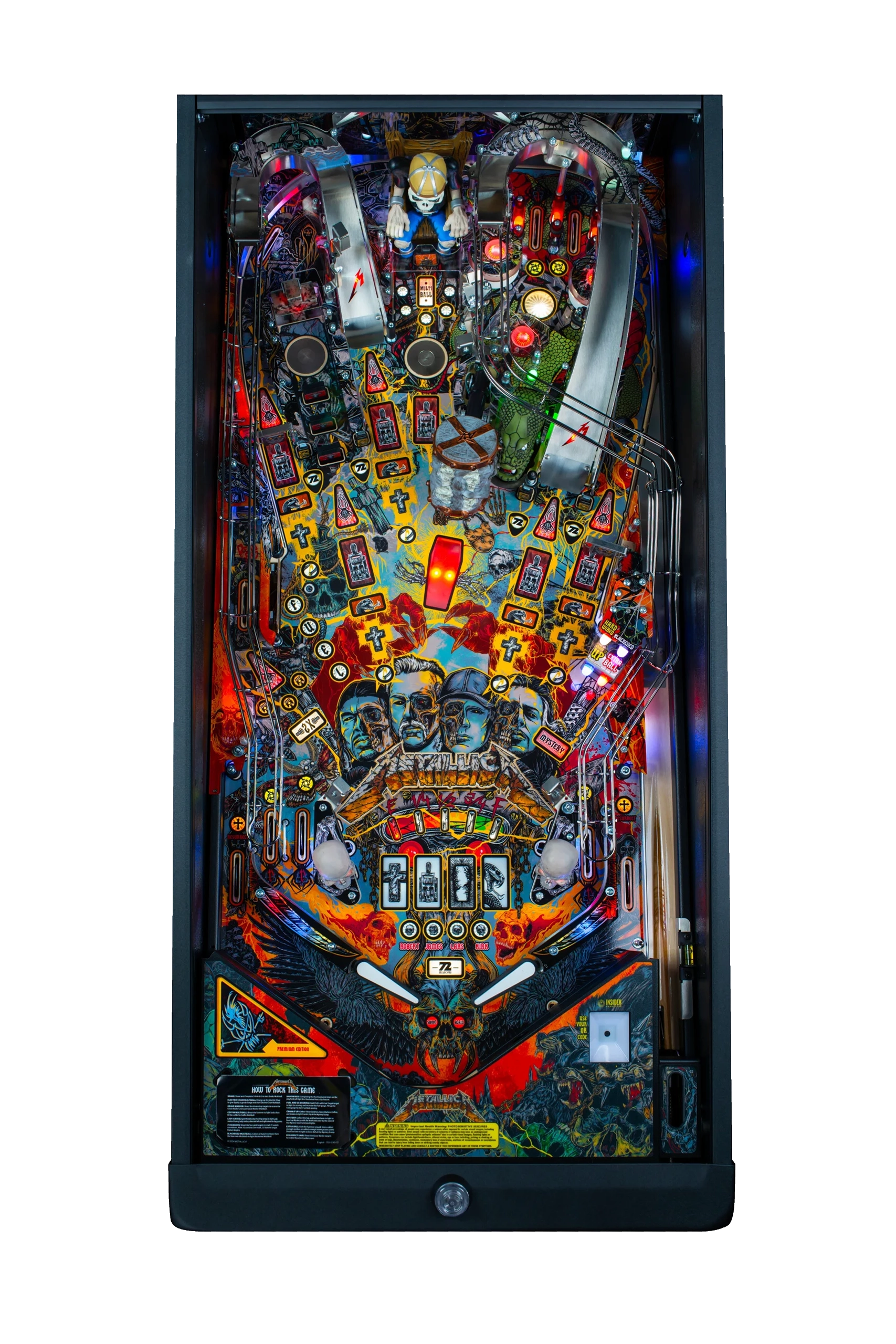
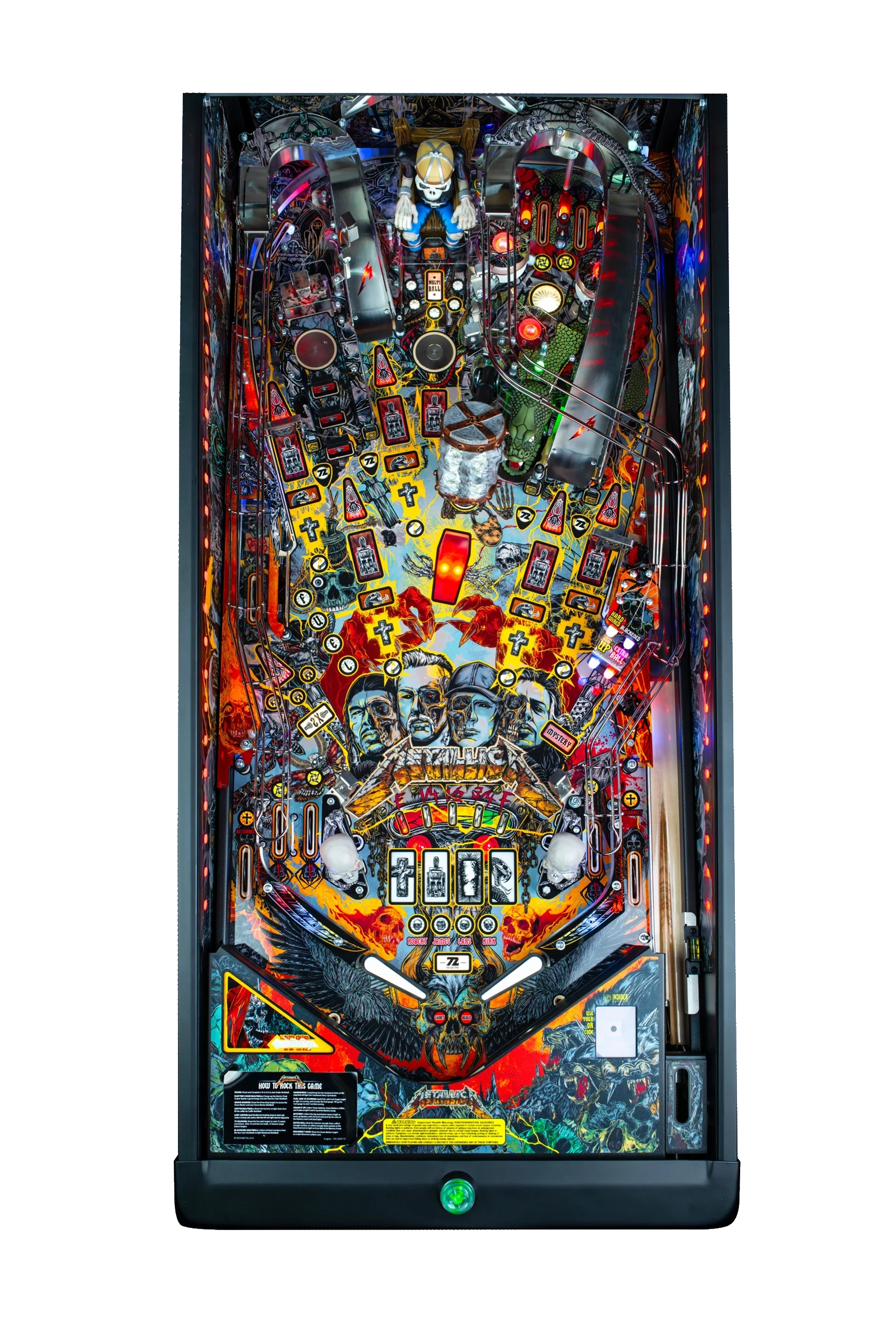
- Electric Chair Multiball is started by hitting Sparky a set number of times, with the required hits rising each time you attempt it.
- Grave Marker Multiball begins after knocking down the inline drop targets and then hitting the grave marker target behind them.
- Snake Multiball is started by spotting the letters of SNAKE at the Snake and then making the next shot to it once the word is complete.
- Coffin Multiball requires locking three balls at the Coffin magnet by repeatedly hitting the captive ball.
Crank It Up Modes
- Crank It Up is lit at the scoop after collecting enough of the four main items, and it gives a single-ball mode with a flashing-shot jackpot to build.
- These modes are long, so ball save only covers the first few seconds, which makes them risky to play.
- Making a completion bonus during a Crank It Up mode adds a letter toward the super wizard mode.
Wizard Modes
- Blackened is a four-ball mini-wizard mode that lights after playing all four multiball modes in the same game.
- End of the Line is a wizard mode that unlocks after you have played all four Crank It Up modes and then collected the final one.
- The Unforgiven is a super wizard mode that is spelled out by completing many of the game's other major goals.
Side Modes and Scoring
- Side modes such as 72 Seasons, Lady Justice and FUEL frenzy can be started at most times, including during multiball.
- The 2x playfield multiplier can be lit by completing the FUEL targets and stacks with the Snake add-a-ball for higher scoring in multiball.
- Combos and the combo jackpot are a steady source of points that also feed other features.
Playfield
Design team
- Mechanics: Jim Shird
- Software: Lyman F. Sheats Jr.
- Art: Rhys Cooper
- Animation: Chuck Ernst
- Design: John Borg
- Software: Raymond Davidson
- Software: Lonnie D. Ropp
- Software: Mike Kyzivat
- Producer: John Blakely
- Sound: Jerry Thompson
Sources
This overview was written by Pinguide's AI from the sources below. For rule details that matter, check the original rulesheet.
- pinballrulesheets.com (opens in a new tab) ↗
- sternpinball.com (opens in a new tab) ↗
- kineticist.com (opens in a new tab) ↗
Updated 2026-11-22.