Sign in or create a free account

It's free: your chats are saved and appear in the sidebar on any device. New here? Signing in creates your account. You can also keep chatting without one; nothing is saved. See how Pinguide handles your data (opens in a new tab).

How to use Pinguide

Pinguide is an AI pinball expert. Ask it anything about pinball, the way you'd ask a knowledgeable friend.

What you can ask

  • Rules and strategy for a specific machine: “How do I start multiball in Godzilla?”
  • Playing technique: flipper skills, nudging, tournament play
  • Buying, owning and repairing machines
  • History, designers, news and new releases

How answers work

  • Name a machine and Pinguide reads its library of rulesheets, strategy guides and manufacturer pages. The chips under the answer link to those sources.
  • For anything current (new releases, code updates, events, prices) it searches the web and links the pages it used.
  • “Thought process” opens a summary of how it worked the answer out.
  • Follow-up questions keep the context, so you don't need to repeat the machine name.

Tips

  • Use the machine's full name. If several machines share a name (Star Wars, for example), you get an answer for each.
  • Stop ends an answer early. Edit (on your message) and Retry (on the last answer) ask again. Copy copies the text.
  • Click a playfield photo to open it large, then zoom with the buttons, your mouse wheel, a pinch, or the + and − keys, and drag to look around.
  • Pinguide is AI and can make mistakes. For rule details that matter, check the linked rulesheet. 👍 and 👎 under an answer rate it; with a thumbs-down you can say what was wrong, which helps fix mistakes.
  • Need help with something else? Contact Pinguide.

Saving chats

  • No account is needed. Without one, your chats disappear when you close the tab.
  • Sign in with Google or an emailed link to keep your chats in the sidebar on any device, where you can search, rename and delete them. You can delete your account at any time. The privacy policy explains what's stored.

The Munsters

The Munsters

Stern Pinball Inc. · 2019

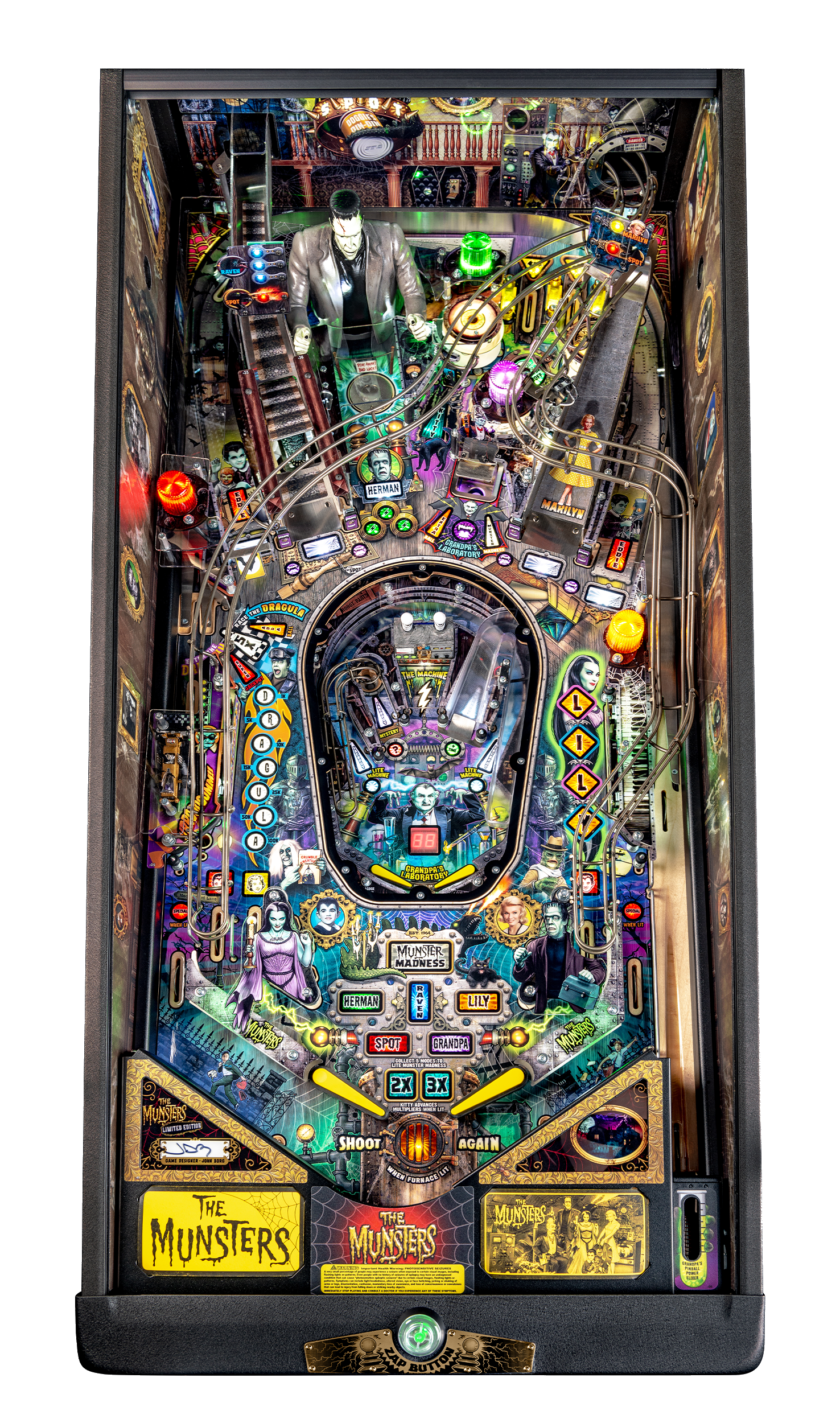
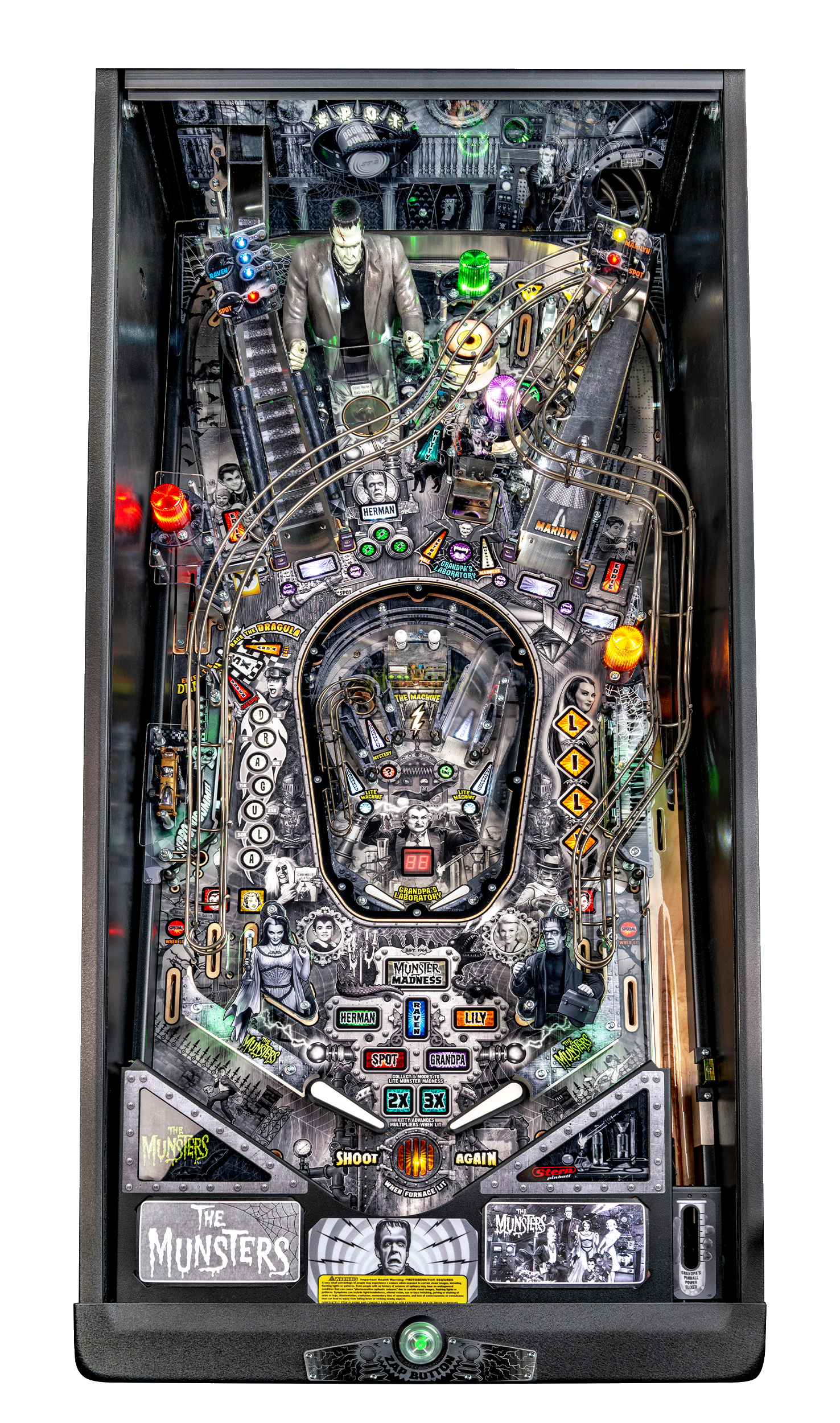
The Munsters is a Stern pinball machine from 2018 based on the classic 1960s TV family, with a simple rule set aimed at novices. Its main draw is collecting five family-member modes that grow in level each time they are started, building toward the four-ball Munster Madness wizard mode.

Ask Pinguide about The Munsters

Getting started

  • Shoot Herman to start a hurry-up, then shoot the magnetized ball again to begin Herman Multiball.
  • Complete the LILY target on the right side to start Lily's frenzy mode, which can be stacked with other features.
  • Collect three advances at the left ramp to start Raven Multiball, which becomes available after you finish a level of another family member.
  • Hit the purple targets to collect chattering teeth, which can light Grandpa's mode at the scoop.

Super Jackpots and Dragula

  • Completing modes and other features qualifies Super Jackpots that can be collected at the Dragula lane.
  • Multiple Super Jackpots can be stacked together for bigger awards.
  • Shooting the Kitty target after starting a family mode can advance the playfield multiplier for a limited time.

Munster Madness

  • Munster Madness is the wizard mode, started at the scoop after completing a level for all five family members.
  • It is a multiball mode that runs in stages, with the stages repeating and growing harder on the second level.

Playfield
Design team

  • Animation: Zac Stark
  • Art: Christopher Franchi
  • Software: Dwight Sullivan
  • Design: John Borg
  • Mechanics: Elliot Eismin
  • Software: Waison Cheng
  • Software: Rick Naegele
  • Sound: Jerry Thompson

Sources

This overview was written by Pinguide's AI from the sources below. For rule details that matter, check the original rulesheet.

Updated 2026-11-22.