Transformers: More Than Meets the Eye
Transformers: More Than Meets the Eye is a G1-themed Stern-era pinball machine by Elliot Eismin featuring a layout that rewards players who can hit difficult shots on the fly, and many shots can be made from either flipper. Its main draw is the interlocking mission system, where players choose missions, manage Energon and rust choices, and build toward the final blow at Megatron.
Ask Pinguide about Transformers: More Than Meets the Eye
Getting started
- Make a short plunge to the upper flipper and hit any lit shot to score a skill shot that also extends the ball save timer.
- Shoot the Megatron scoop to start the mission currently selected with the flippers, and remember that the scoop must be hit after enough shots are made to score the final blow.
- Shooting the spinner collects Energon cubes that affect how difficult the next mission will be.
Missions
- Each mission is timed and asks you to make specific lit shots, then hit Megatron for the final blow before time runs out.
- Completing a mission without using Energon allows cosmic rust to make the next mission harder but more valuable.
- Playing two missions lights the right ramp to start the One Shall Fall mini-wizard mode.
Multiball
- Transformers Multiball is started by locking balls from the center VUK after hitting Optimus to light locks.
- Shooting the same shot three times during multiball scores a jackpot there, and collecting three jackpots lights a super jackpot at the side ramp.
- Combiner Multiball begins once three Combiners are completed and the space bridge is shot while no other modes are running.
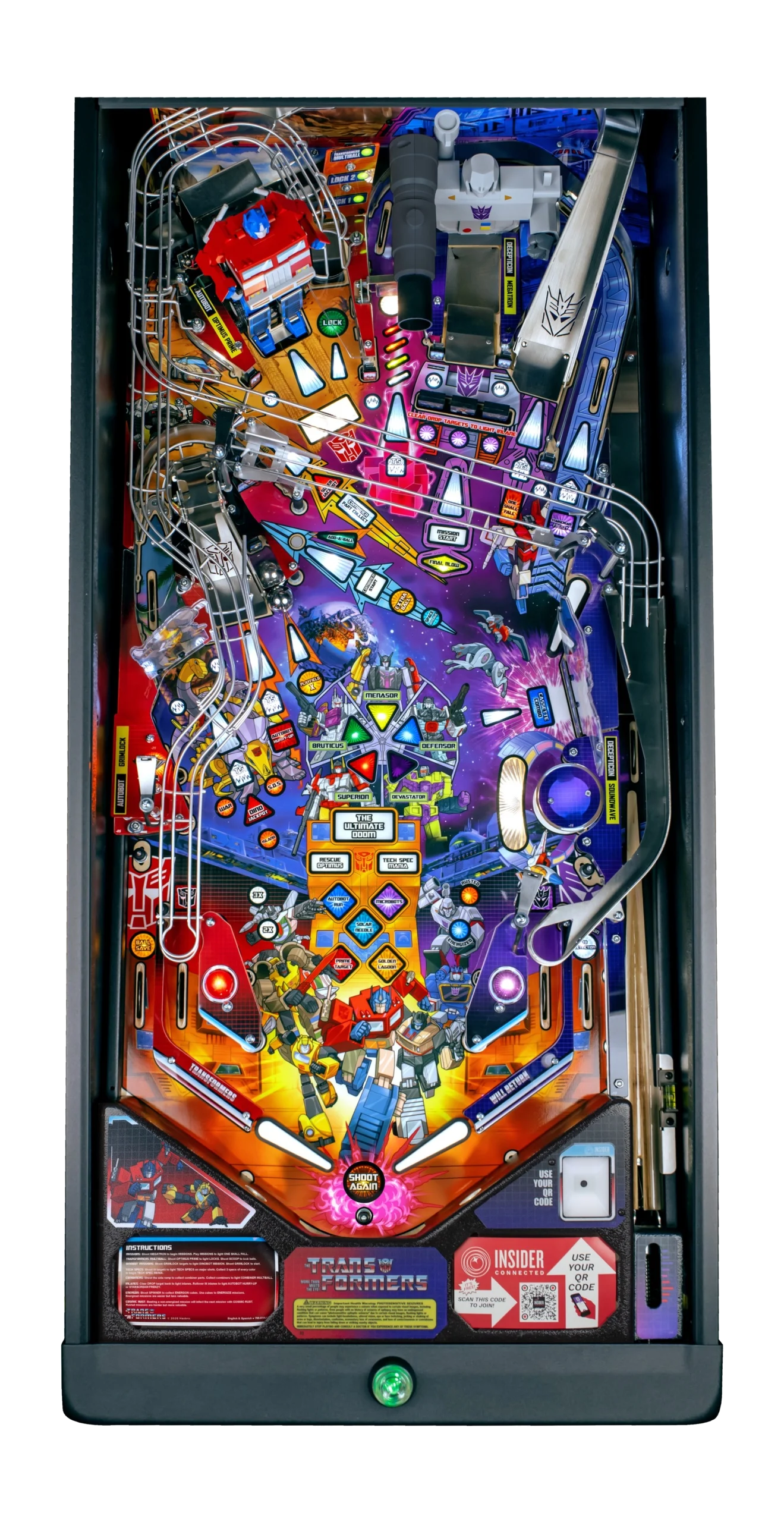
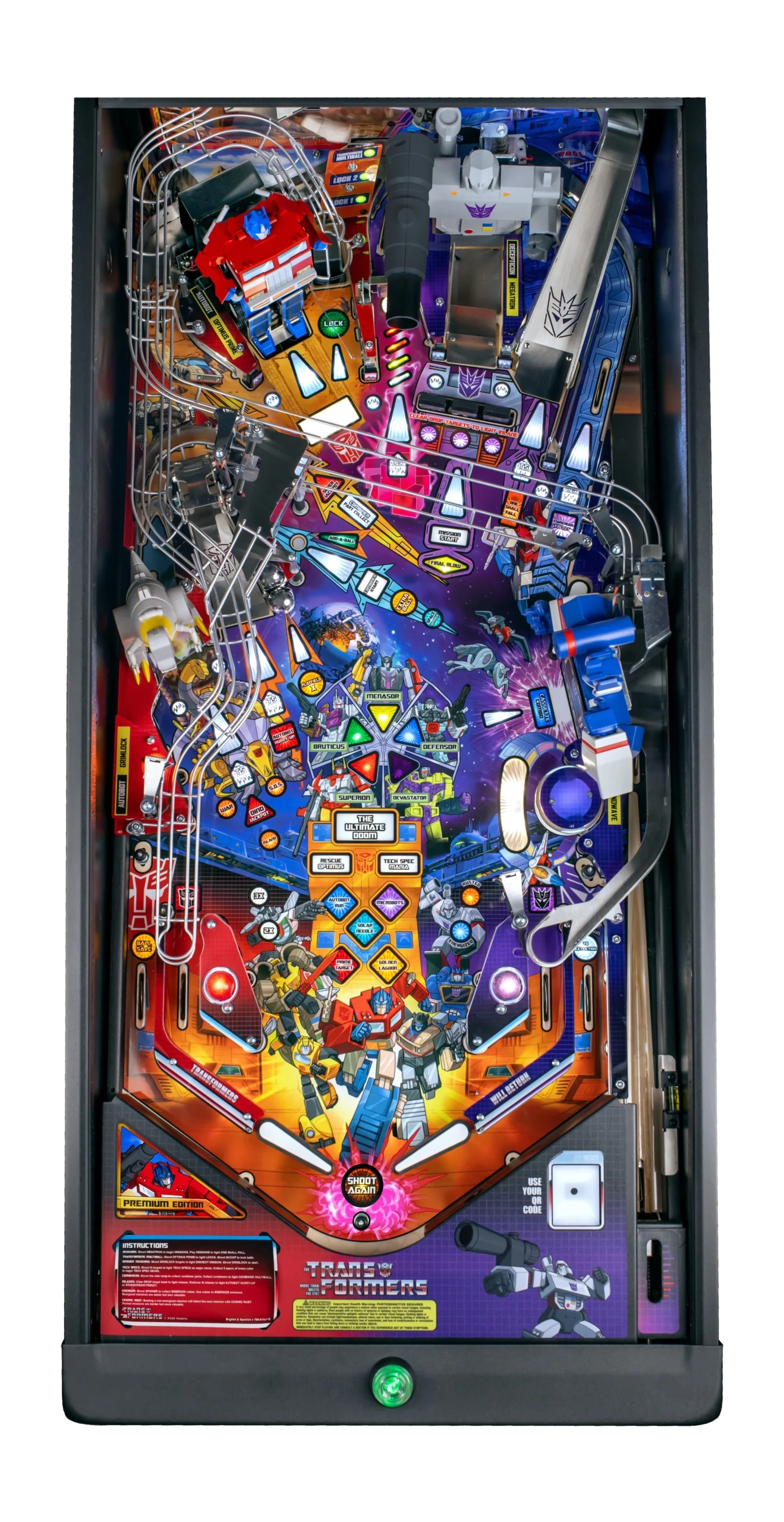
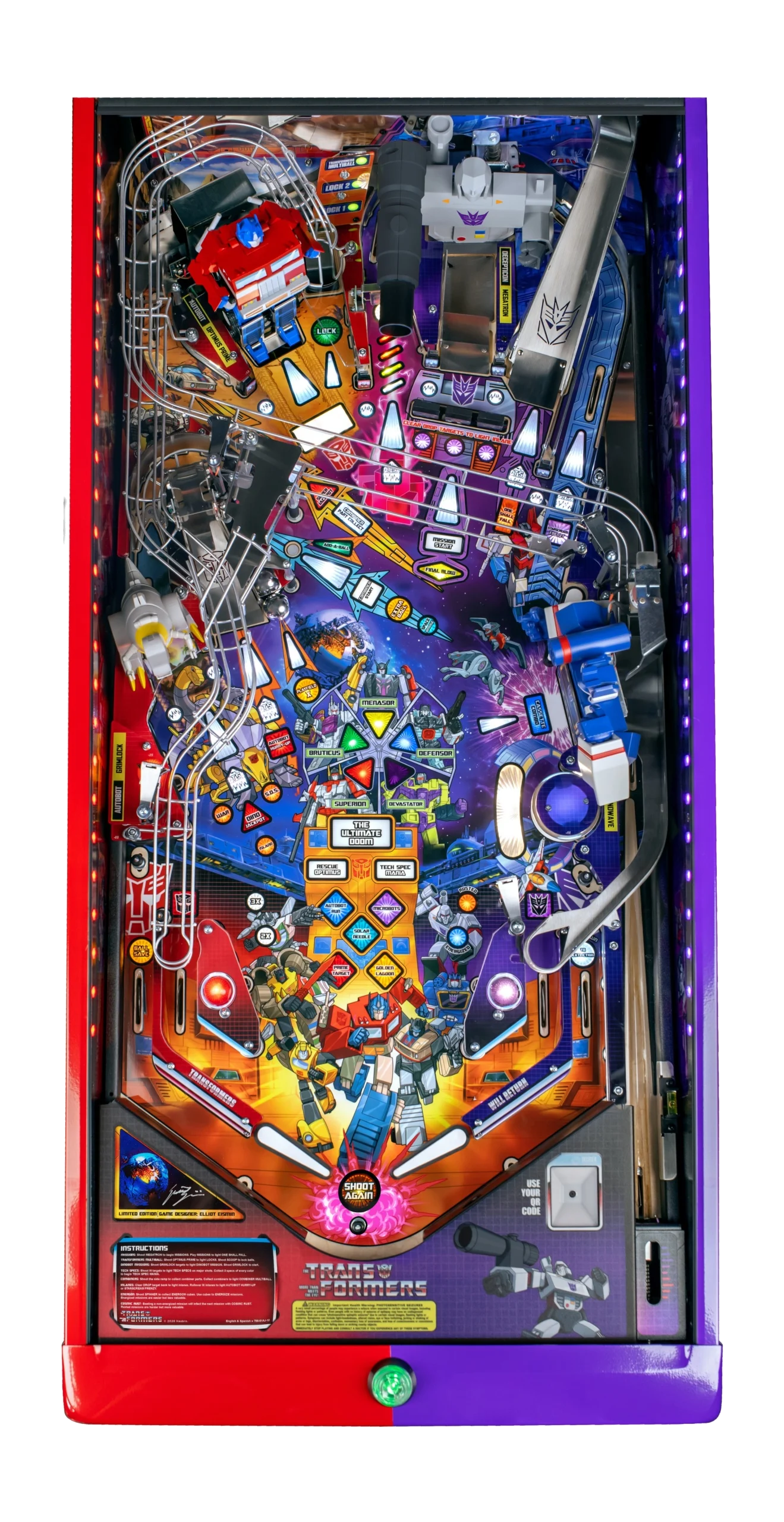
Playfield
Design team
- Software: Mike Kyzivat
- Design: Elliot Eismin
- Sound: Jerry Thompson
- Software: Elizabeth Gieske
- Mechanics: Robert Blakeman
- Producer: John Blakely
- Animation: Tom Kyzivat
Sources
This overview was written by Pinguide's AI from the sources below. For rule details that matter, check the original rulesheet.
- pinballrulesheets.com (opens in a new tab) ↗
- sternpinball.com (opens in a new tab) ↗
- kineticist.com (opens in a new tab) ↗
Updated 2026-11-22.